
Highlight Plus 2D
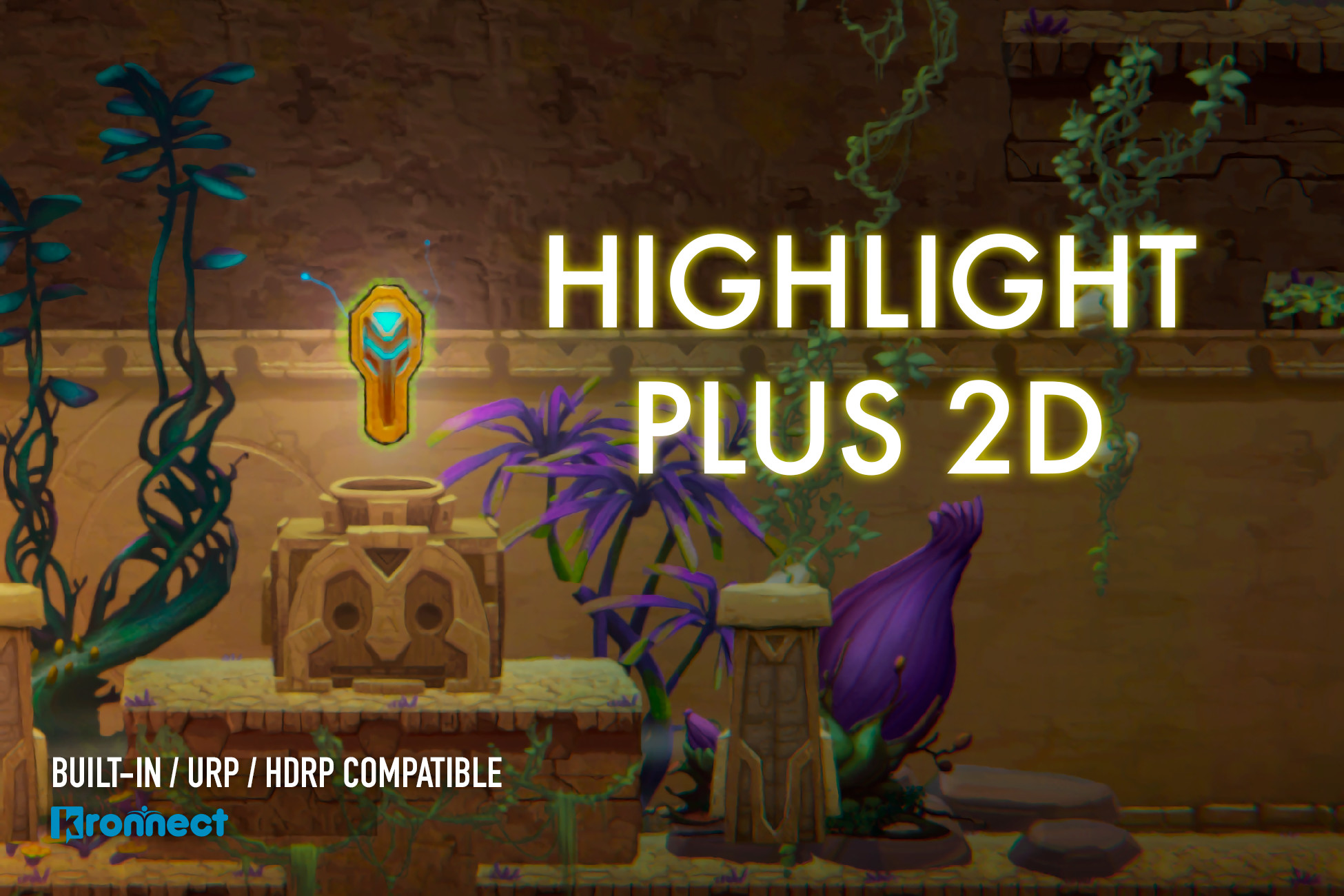
Highlight Plus 2D adds outline, glow, see-through, overlay, shadow and zoom effects to any sprite in 2D or 3D scenes.
Highlight Plus 2D has been designed with platform compatibility and performance in mind:
✓ Compatible with Mac, Windows, Android, iOS, WebGL.
✓ Compatible with Built-in, URP (Forward and 2D Renderer) and HDRP pipelines.
✓ Compatible with VR (Multi and Single Pass).
✓ Super fast on mobile.
** Visual Features **
– Glow color, width, alpha, animation speed, dithering, multi-colored.
– Outline color, alpha and width.
– Overlay color, alpha and animation speed.
– See-Through effect intensity, tint color and alpha.
– Hit/Flash effect with custom color, intensity and fade out duration.
– Zoom on hover.
– 2D and 3D shadows.
** Other features **
– Works with individual and atlas-based sprites with a SpriteRenderer component.
– Works with quads gameobjects (a quad with a texture).
– Works with Spine-based animated mesh renderers.
– Supports animations (SpriteSkin), transforms and custom pivot.
– Preview effect in Editor (no need to go into play mode).
– Highlight individual or a group of sprites as a single object.
– Can affect selective objects or run in automatic mode with layer option.
– Event system to fine-control automatic mode.
– Safe: does not change your sprite shader nor material.
– Performant: this is not a full screen image effect.
– Demo includes 225 free sprites.
Compatible with Unity 2021, 2022 and Unity 6, including Render Graph.
Limitations:
– UI elements not yet supported.
– Effects are rendered in Sorting Layer 0 (sprites rendered into sorting layer > 0 need to be changed to use a lower sorting layer).
– This version only works with sprites, quad-based sprites and spine renderers.
For 3D objects use Highlight Plus .
Documentation | Support | YouTube | Publisher Page
Kronnect is dedicated to high-quality Unity assets with continuous updates and responsive support.
- 版本号:4.6
- 分类:Unity / Unity插件 / VFX / 着色器
- Unity Asset Store:https://assetstore.unity.com/packages/vfx/shaders/highlight-plus-2d-138383